Electronic Store
Homekit WiFi Smart Bulb RGBCW 85V-265V LED Light Bulb Smart Home App Voice Control Support Alexa Google Home Assisatnt Bulb E27
Homekit WiFi Smart Bulb RGBCW 85V-265V LED Light Bulb Smart Home App Voice Control Support Alexa Google Home Assisatnt Bulb E27
No se pudo cargar la disponibilidad de retiro
SPECIFICATIONS
Application: Indoor
Average Life (hrs): 50000
Base Type: E27
Beam Angle(°): 360
Brand Name: Guillermo
Certification: ce,CE
Choice: yes
Color Temp(K): 2700
Color Temperature: Warm White (2700-3500K)
Features: Wifi APP Control
High-concerned chemical: None
Item Type: Neon Bulbs
Luminous Flux: 249-2000
Model Number: Smart Wifi Light Bulb
Origin: Mainland China
Power Source: AC
Voltage: 85-265V
Warranty: 1year
Specifications:
Type: WIFI Smart Light Bulb
Base Type: E27
Power: 9W
Material: Aluminum + ABS
Voltage: AC 85- 265V
App: Apple Homekit/Cozylife
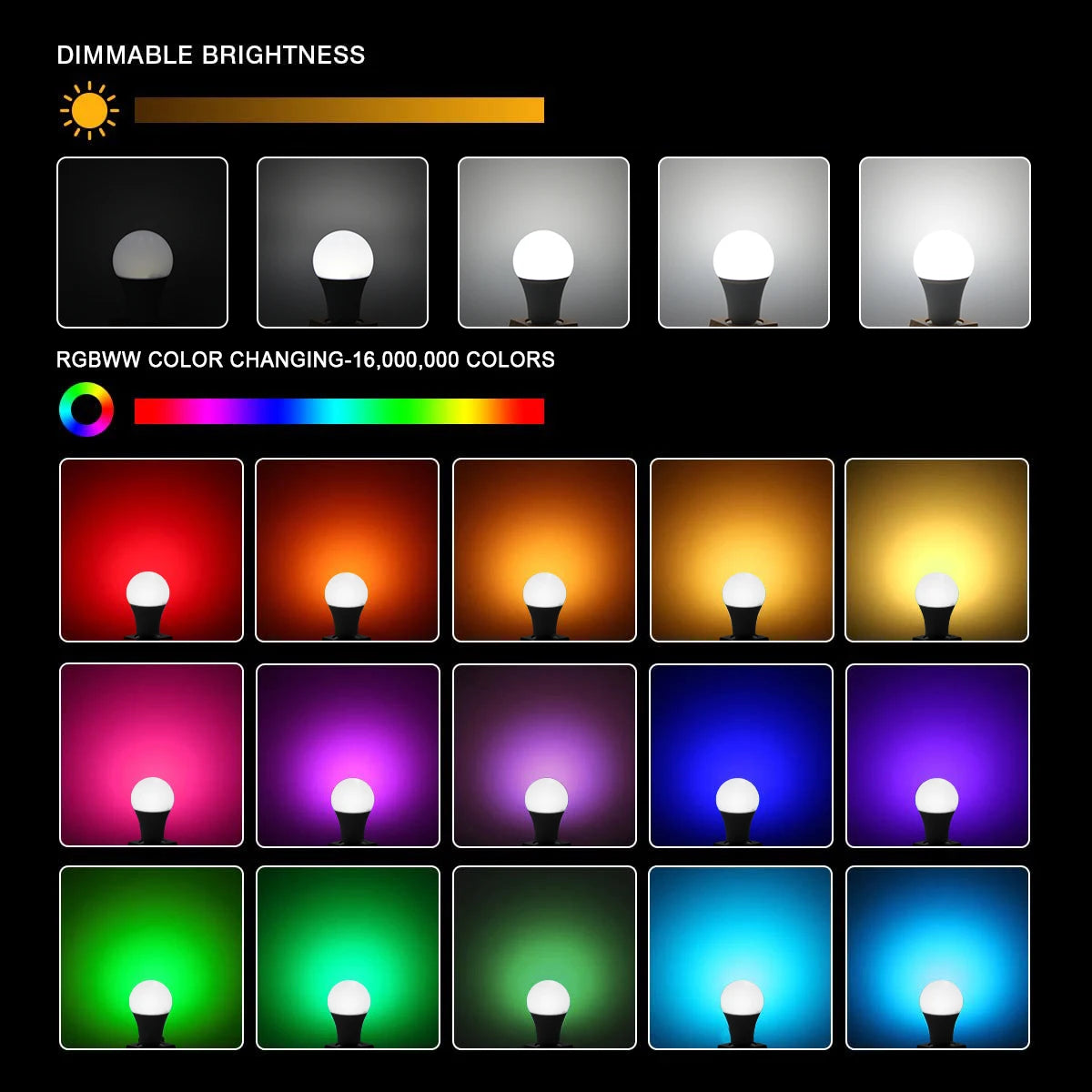
Emitting color: RGB+White+Warm White(2700K-6500K)
Features:
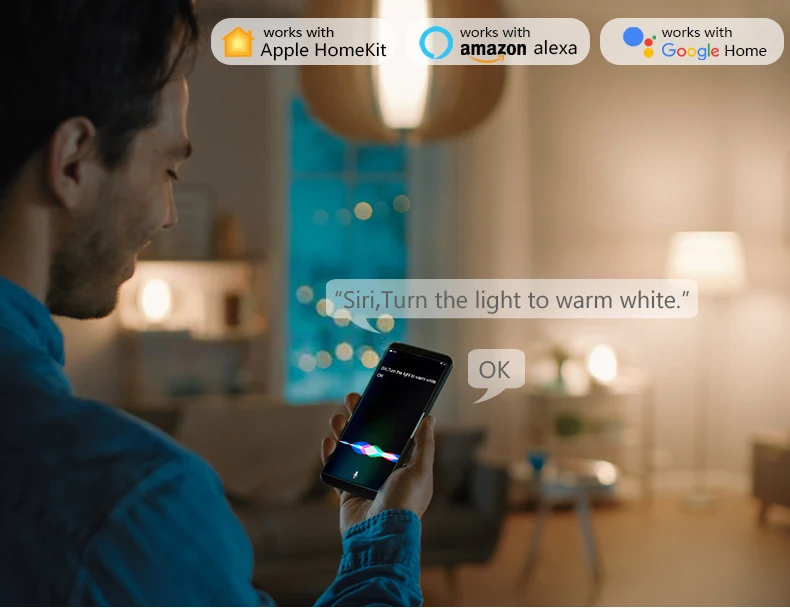
Voice control: The smart bulb is compatible with Apple HomeKit, Apple Watch, Siri, Alexa Echo, Echo dot, Google Assistant. Control your smart light bulb through voice commands, easily turn on/off or dim/illuminate your smart LED light. (E.g. "Hey Siri, set the bedroom light to green")
HomeKit remote control: To enable the HomeKit remote control, you need to use HomePod, Apple TV 4K or Apple TV HD or iPad. Set these Apple devices as Homekit bridges and connect them to your home WiFi network. If you don't have these devices, you can control smart bulbs anytime and anywhere through the CozyLife app, and there is no distance limit. Suitable for any 2.4GHz or dual-band WiFi router. No hub is required.
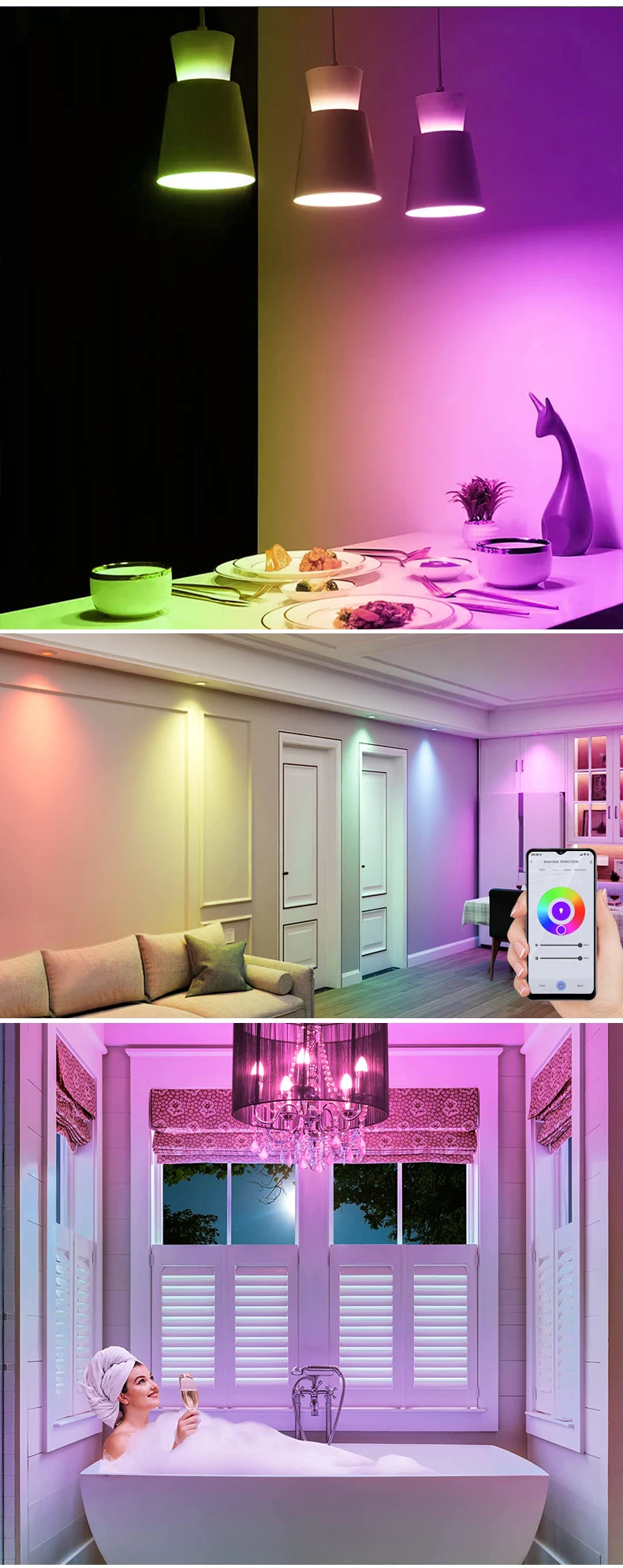
Atmosphere adjustment: perfect lighting can be set in various occasions. Set the brightness from warm white/cool white (2700K~6500K) to a variety of red, green and blue colors. For example, turn on the smart LED light bulb before arriving home, dim the smart light and party with your friends.
Schedule: Smart lights can be turned on/off automatically according to daily life.
Tips--App:
Be sure that you are using 2.4GHz WiFi when connecting with the smart bulb. And WiFi must be detectable status. Many routers have 5 GHz and 2.4 GHz network and your phone will always automatically connect to the 5 GHz network. So, you have to completely turn off your 5 GHz network by going to your router settings (enter the router IP address into your internet browser, usually something like 192.168.1.1), forcing your phone to connect to the 2.4 GHz network.
In addition, the router encryption mode must be WPA2-PSK type and the authentication type must be AES.